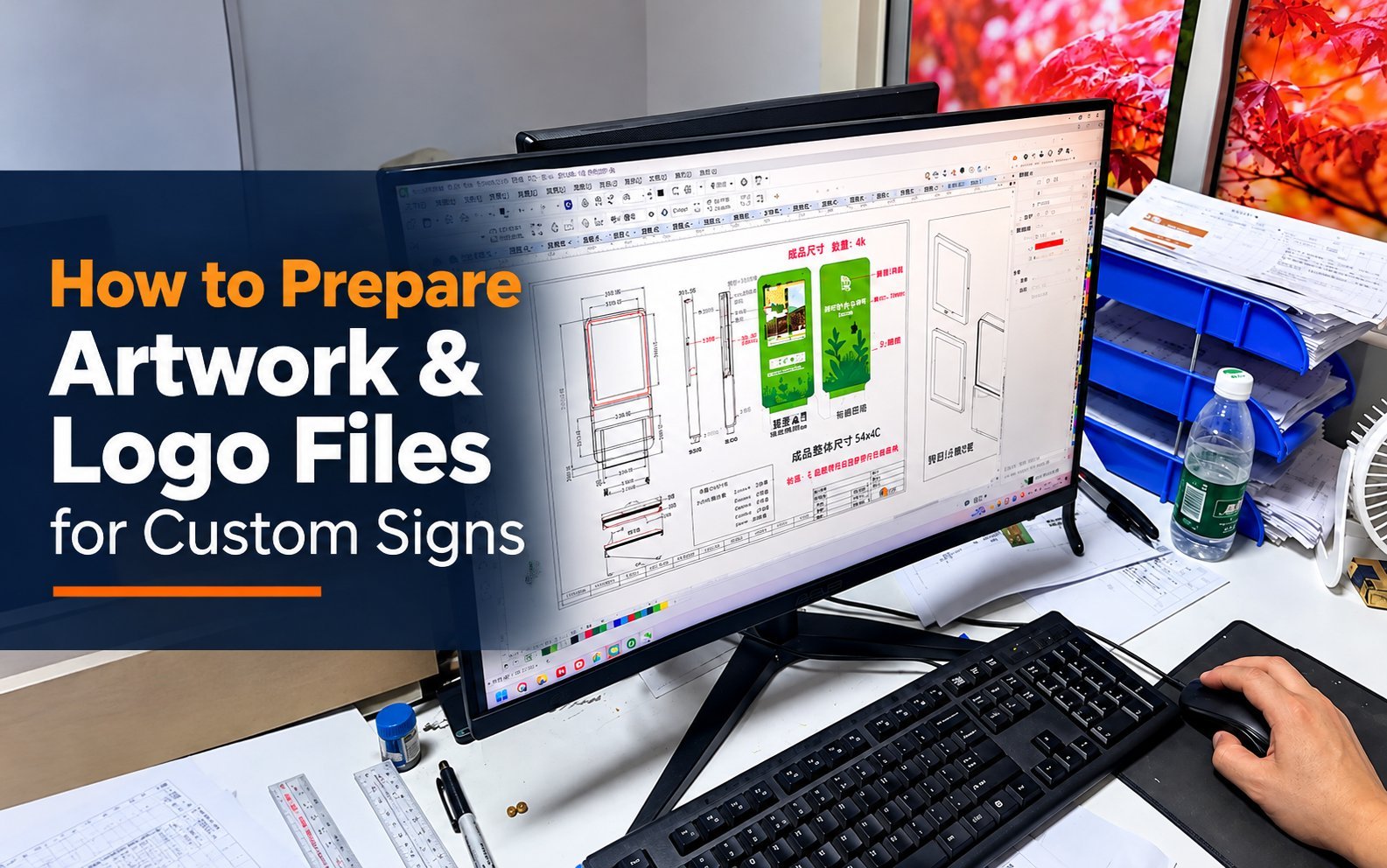
A sign factory needs a vector file — AI, EPS, PDF, or SVG, with fonts outlined — before production can start. Here is what to send, what to fix, and what to expect after you hit submit.
Vector vs Raster: Why a Factory Needs Vector Files
A sign factory needs a vector file, AI, EPS, PDF, or SVG, with fonts outlined before production in 2026. If all you have is a JPG or PNG, that’s still workable, it just means the logo gets redrawn as vector artwork before anything gets cut. Knowing which situation you’re in before you submit anything saves a round of back-and-forth before your project even starts.
A raster image is a fixed grid of pixels, and every edge in it is only as sharp as the pixel count behind it. Scale that image up past its original size and the software has to guess at the pixels in between, which is exactly why a logo that looks crisp on a business card turns blurry and jagged the moment it’s blown up to letters three feet tall.
A vector file doesn’t have that ceiling, because it stores shapes as mathematical paths rather than a pixel grid. A vector logo scales to the size of a business card or the size of a building facade and comes out equally sharp at either end, since the software is drawing the same clean path at a different size rather than stretching a fixed grid of dots.
You can check which one you actually have in under a minute. Open the file and zoom in to 400%. If the edges stay crisp and clean, it’s vector, or at least high enough resolution to behave like it at your sign’s size.
If the edges turn soft, blocky, or pixelated, it’s raster, and it’s worth flagging that before you send it rather than after a factory tells you it needs a redraw.
Acceptable File Formats
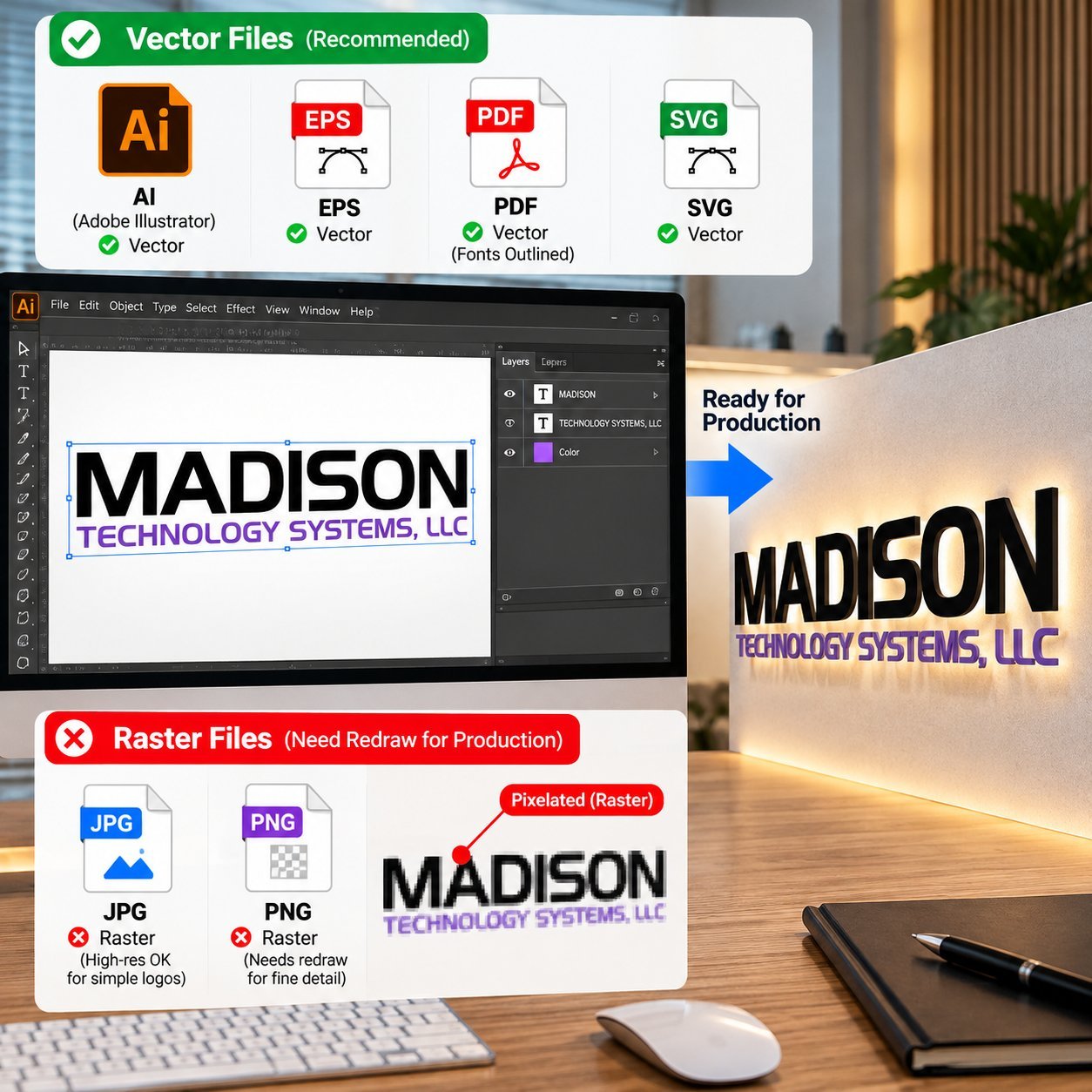
Native AI files and vector PDFs with fonts outlined are the two formats that move fastest through a factory’s prep process, since neither one needs an extra conversion step before it’s ready for production.
EPS and SVG both work well too, with one caveat each: an older EPS export can embed a low-res raster preview inside an otherwise-vector file, and a web-exported SVG sometimes carries live, editable text instead of text converted to outlined paths. Either issue is a quick fix once it’s spotted, but it’s worth checking before you submit.
High-resolution PNG or JPG files aren’t vector, but they’re not automatically a dead end either. For a simple logo, bold letters, one or two colors, no fine detail, a high-resolution raster image can sometimes be traced into clean vector artwork without much rework.
For anything with gradients, photographic detail, or fine linework, plan on a proper redraw instead of a quick trace.
If you’re not sure which format to export from your own design software, PDF is the safest universal choice: nearly every design tool can export a vector PDF, and outlining the fonts before export removes the single most common font-related problem a factory runs into.
| Format | Vector? | Production-Ready As-Is? | Watch For |
|---|---|---|---|
| AI (Adobe Illustrator) | Yes | Yes | Fonts should be outlined before sending |
| EPS | Yes | Yes | Older exports sometimes embed a raster preview, confirm the real file is vector |
| Depends | Yes, if vector and fonts outlined | A flattened or scanned PDF is actually raster despite the file extension | |
| SVG | Yes | Yes | Some web-exported SVGs carry live text instead of outlined paths |
| High-res PNG / JPG | No | Only for simple shapes | Needs a redraw for fine detail, thin lines, or small text |
Logo Files for Engraving & Dimensional Letters
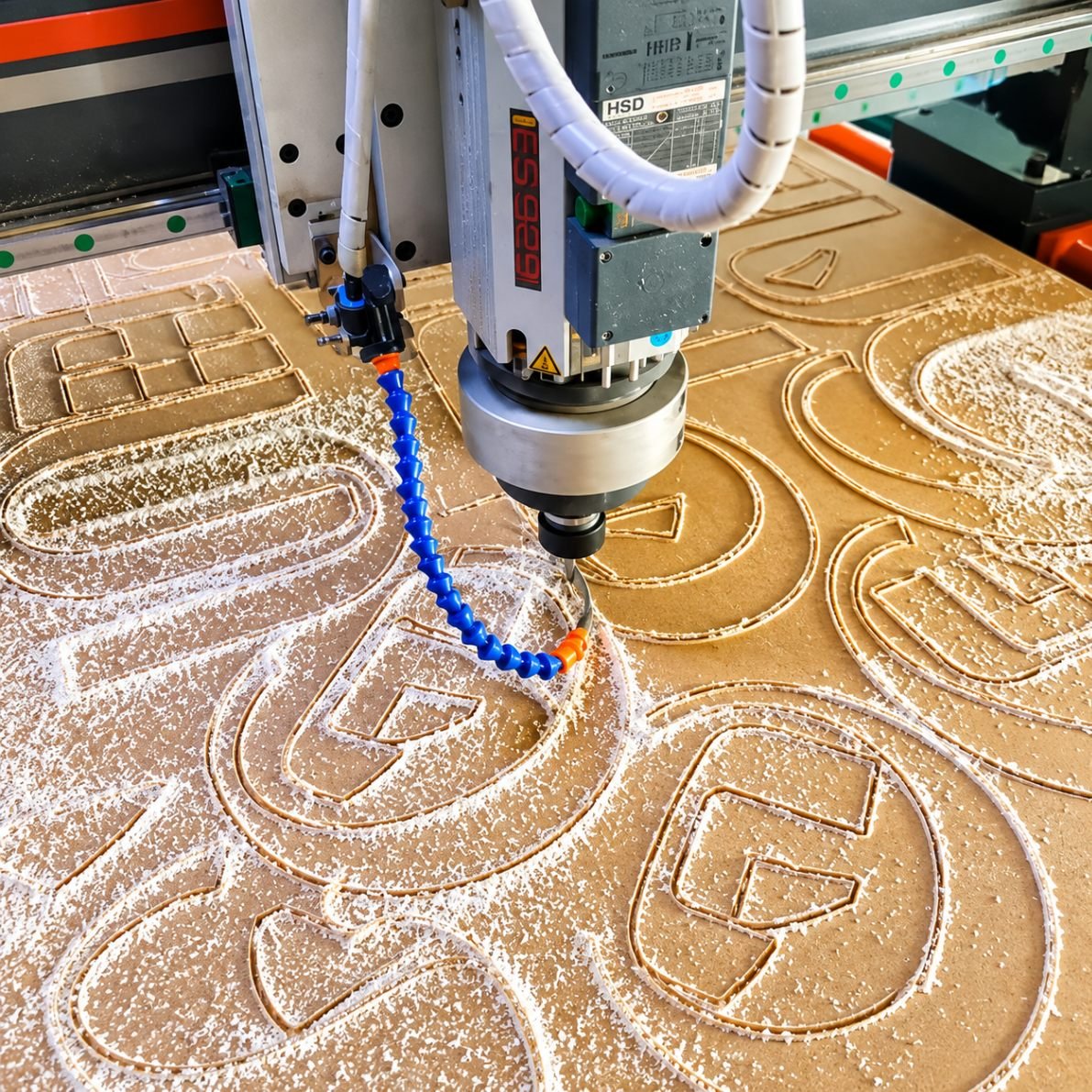
Cutting or engraving equipment follows a path, not a photograph, which means any logo headed for a laser-cut, CNC-routed, or dimensional letter sign needs to exist as clean, closed vector shapes rather than a flat image with visual effects applied on top.
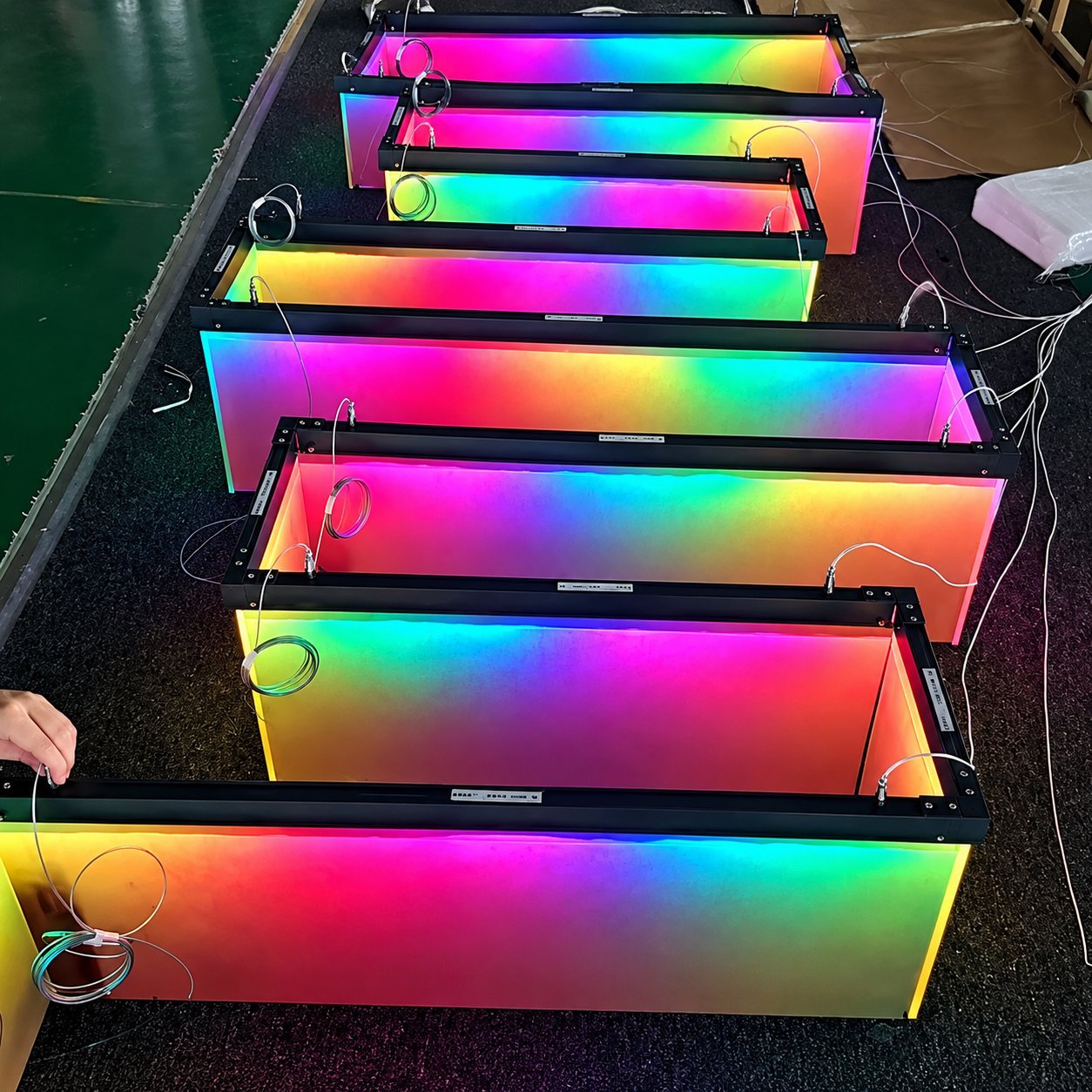
Gradients, drop shadows, soft glows, and photographic textures all have to go before a logo is cutting-ready, since none of those effects translate into a physical edge a blade or laser can actually follow.
A logo built from multiple overlapping colors for print often needs simplifying into a smaller number of distinct, separable shapes for the same reason, since each color or layer effectively becomes its own cut piece or engraved pass.
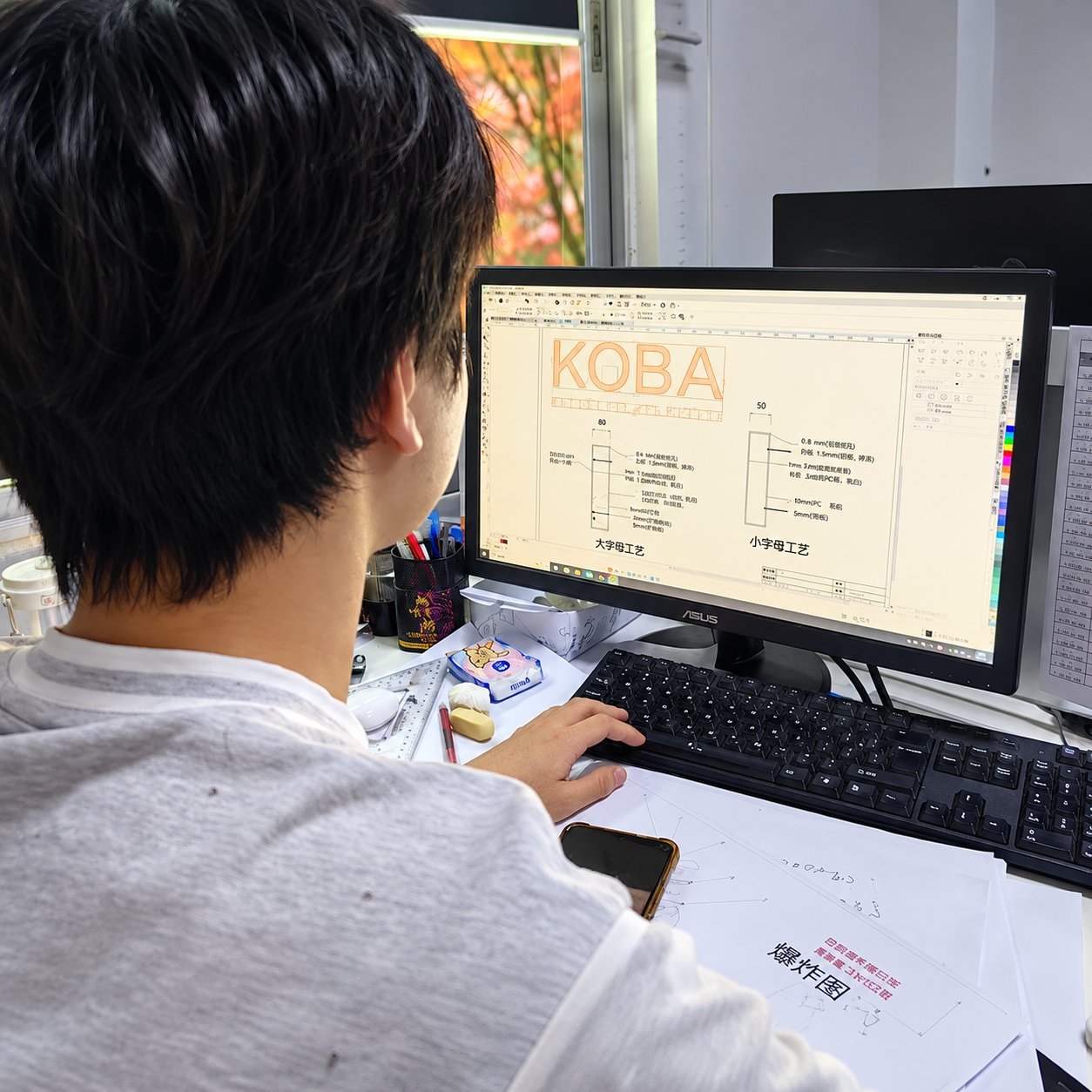
Thin strokes and fine detail are the other thing that doesn’t survive the jump from screen to metal or acrylic automatically. During drawing review, a factory checks font weight, stroke width, and letter spacing at full scale before production starts.
A stroke that’s too thin to hold up structurally at the sign’s actual size typically gets reinforced in the drawing stage rather than discovered after the sign is already cut. That’s a normal part of file prep for dimensional work, not a sign that something went wrong with your logo.
Custom acrylic signage and custom metal signs are the two most common destinations for this kind of engraving and dimensional-letter artwork.
The exact minimum stroke width depends on the material and letter size, so confirm that specific number against your drawing rather than assuming a single fixed figure applies everywhere.
Common File Problems and How They Get Fixed
Five problems account for most of the delays between a submitted file and an approved drawing, and every one of them is fixable once it’s caught.
A low-resolution raster logo is the most common issue by far, and the fix is a redraw into vector artwork rather than trying to rescue the original file.
Missing or unconverted fonts is the second most common, since a font that isn’t outlined, or isn’t included with the file, forces a substitution that can quietly change your logo’s letterforms without anyone noticing until proofs come back wrong.
Color shift between RGB, CMYK, and Pantone is a real and underappreciated problem for any brand that cares about color consistency across multiple locations. RGB is built for screens, Pantone and CMYK are built for physical production, and a color that looks right on your monitor can land noticeably off once it’s translated to a painted finish or an LED-lit acrylic face.
Supplying a Pantone number or a specific color code up front avoids that guesswork entirely. An approved sample, a documented color standard, and an agreed tolerance are what actually control consistency across a multi-location order, not a color swatch viewed on a screen.
Unmerged layers and a logo built from dozens of loose, ungrouped elements slow down file prep without adding any real value, since someone still has to consolidate them before the file is production-ready.
A transparent background that gets lost in file conversion is the last common issue, usually surfacing as an unexpected white box around a logo that was supposed to sit cleanly on a colored sign face.
What Happens After You Send Your Files
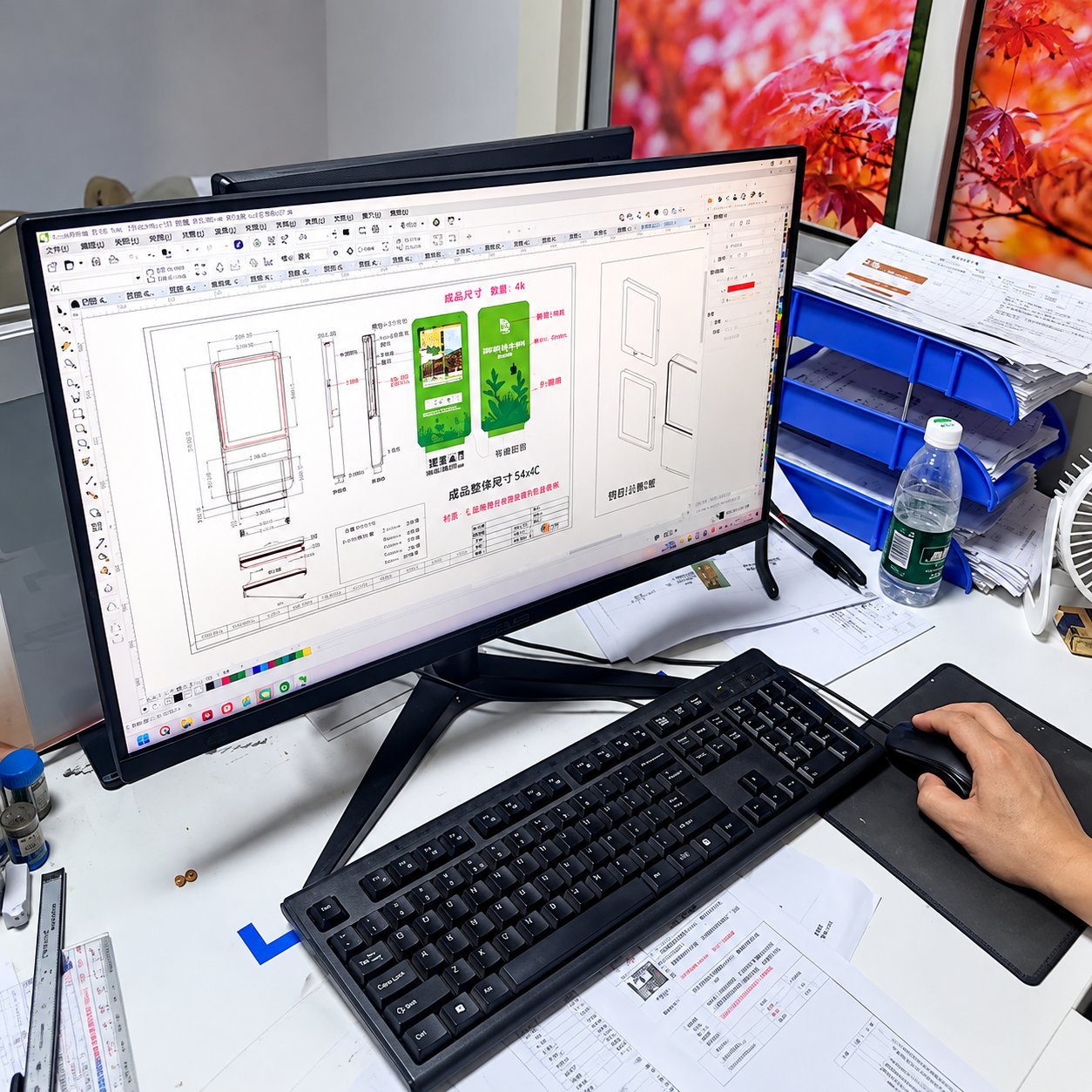
Your file gets reviewed for exactly the issues above before anything else happens. If it’s production-ready, it moves straight to layout. If it needs a redraw, outlined fonts, or a color clarification, that happens next, with any open questions sent back to you rather than guessed at.
From there, Hicen's design process includes free rendering with a turnaround as fast as one hour for a straightforward logo, so you’re reviewing a visual of your actual sign, not just a written description, before anything moves toward production.
The drawing and quality-control process checks sizes, fonts, spacing, and structure at full scale, and production only starts once that drawing is fully confirmed on your end.
Minor cleanup, outlining a font, tracing a simple logo, flattening layers, is typically folded into normal file prep rather than billed separately.
A more involved redraw of a complex or low-quality logo is a fair question to raise with your contact directly, since the scope varies enough from project to project that it’s worth confirming up front rather than assuming either way.
Once your file and drawing are approved, sampling and lead time is the next stage, and that process is covered in detail on its own page rather than repeated here.
Checklist Before You Send Your Files
Run through this list before you hit send. It catches the vast majority of what would otherwise come back as a follow-up question.
File is vector (AI, EPS, vector PDF, or SVG), not a raster image
All fonts are outlined, or the font files are included
Colors are specified as Pantone numbers or exact color codes, not just color names
Overall dimensions and units (inches, feet, mm, cm) are clearly marked
A photo of the installation location is included, if one’s available
Quantity and number of locations are specified
Destination market or country is noted, if it affects certification or voltage
Layers are merged or clearly labeled, not a scattered pile of ungrouped elements
Transparent backgrounds are confirmed intact after export, not flattened to white
Any known revisions or open questions are flagged directly, not left for someone to guess at
Frequently Asked Questions
Can you work with a JPG logo?
Yes, but it will need to be redrawn as vector artwork first, especially for anything with fine detail or small text. A simple, bold, high-resolution JPG sometimes traces cleanly with minimal rework, while a detailed or low-resolution one needs a fuller redraw before it’s production-ready.
I don’t have my logo’s source file, what now?
Three paths usually work. Ask whoever originally designed your logo for the source file, since it’s common for a business to have only an exported JPG even though a vector original exists somewhere. Provide the highest-resolution image you have if no source file exists at all. Or send what you have and let the file get redrawn as clean vector artwork from scratch.
Do I need to supply Pantone colors?
It’s strongly recommended, especially for any brand with more than one sign or location. Without a Pantone number or color code, color gets matched visually against your supplied image, which introduces more room for variation than a specified color standard does.
Do fonts need to be outlined?
Yes, or the font file itself needs to be included with your artwork. An outlined font locks in the exact letterforms so nothing shifts if the receiving software doesn’t have that exact font installed, which is one of the most common causes of a logo looking subtly wrong in an early proof.
Is there a charge for artwork cleanup?
Minor cleanup like outlining fonts or tracing a simple logo is typically handled as part of normal file prep. A more involved redraw of a complex or low-quality file is worth confirming directly with your contact, since the scope varies enough between projects that it’s not a single fixed answer.
Is my design file safe with you?
Hicen treats submitted files and project information as confidential as a matter of standard practice. For a project where that matters more than usual, raise a formal non-disclosure agreement directly with your contact before sending anything sensitive.
Get Help With Your Sign Files
If you have a logo file and you are not sure whether it is production-ready, send it over. Hicen’s design team will review it, flag anything that needs a fix, and reply with a quick yes/no plus a free rendering so you can see the sign before anything gets cut.
Send Your Artwork for a Free Review
Upload your file and get a free rendering and a fast quote — no separate account needed.