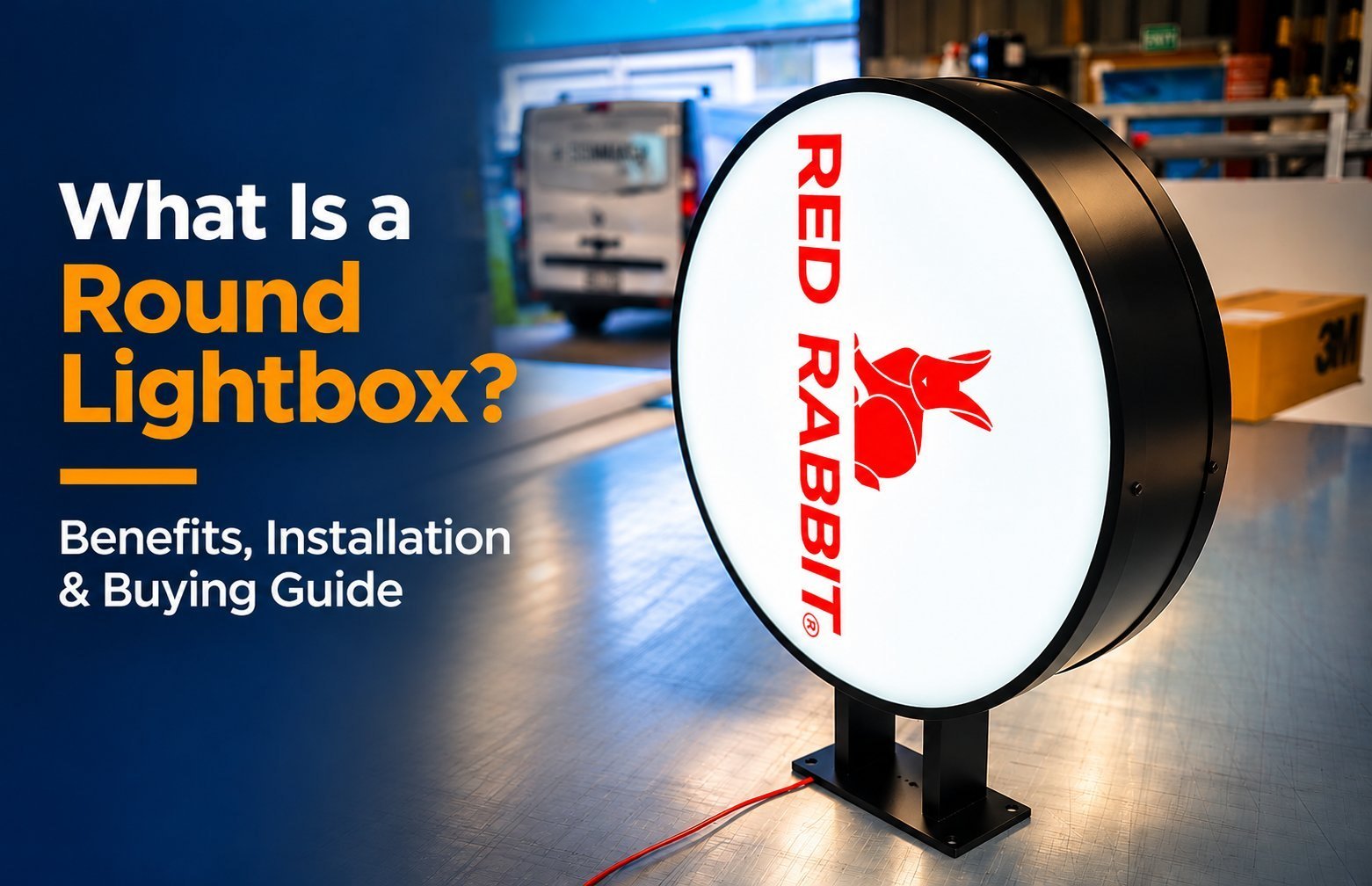
A round lightbox is an illuminated cabinet with a circular face. Here is what that term actually covers, what the format does well, and what to confirm before you order.
What Is a Round Lightbox?
A round lightbox is a sign cabinet built around a circular display face. LEDs inside the cabinet light a translucent face carrying your logo or message. The illuminated face is what makes it a lightbox rather than a flat round sign.
You will meet them in two main positions: flat against a wall and projecting from a bracket over a walkway. The second is often called a blade sign, but that word describes the mounting, not the shape. This guide is for installers, fabrication buyers, property teams and brands planning an order.
Buyers use the word round loosely. A quote can describe a circular cabinet, or simply a circular graphic printed on a square box. Those are different products with different fixings and costs. Name the build you mean in your first inquiry.
How the Illuminated Face Works
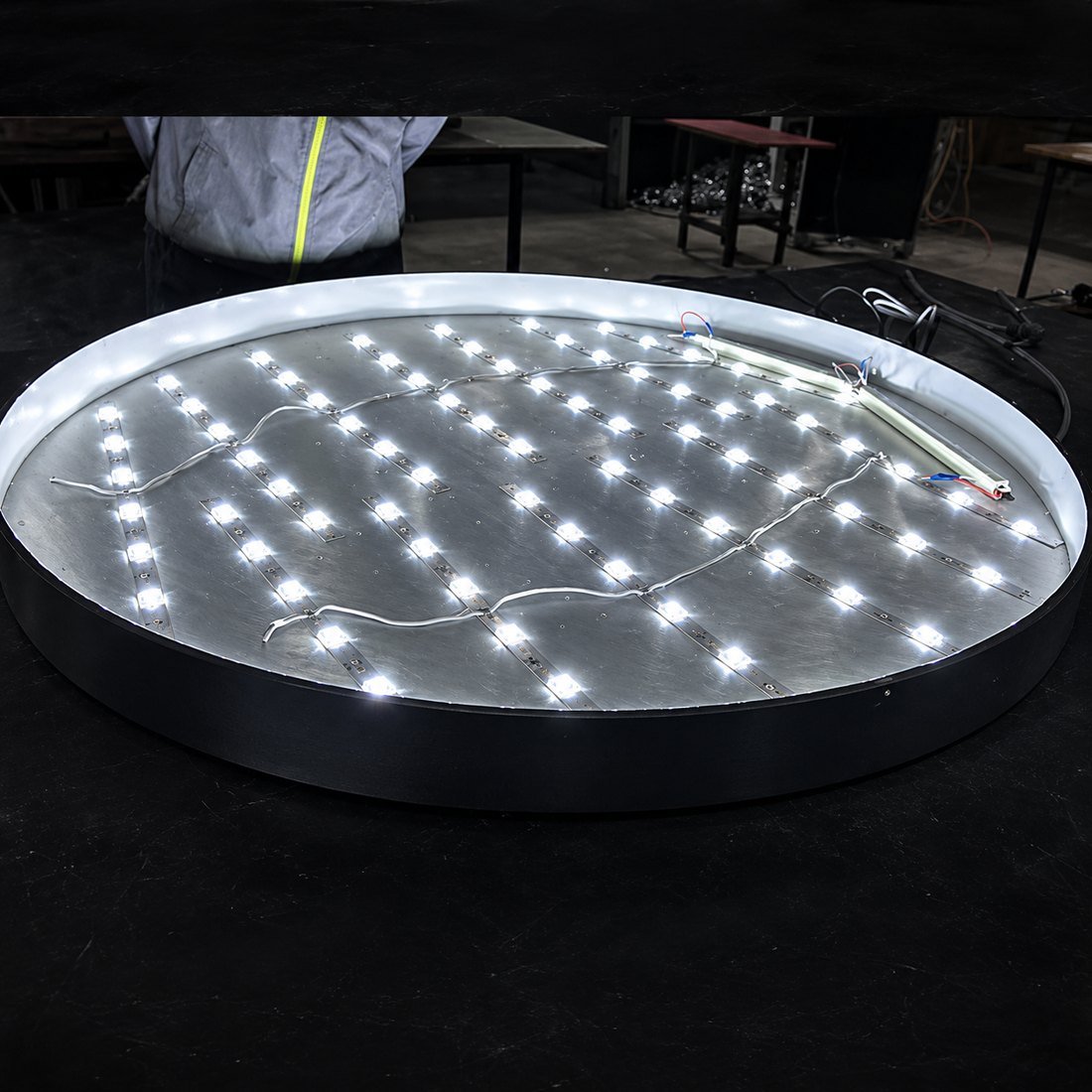
Inside a lightbox, LEDs either sit behind the face or feed light in from the frame. Backlit boxes place LEDs behind the graphic. Edge-lit boxes run LEDs along the frame into a light guide, leaving the cabinet slim.
What is inside the cabinet
True
The face material controls that spread. HICEN lists acrylic, SEG fabric and PVC flex face panels across its light box range, with acrylic panels typically 3–10 mm thick. Fabric spreads light softly; acrylic gives a rigid face; PVC flex is a lower-cost panel option.
Ask which layout and face material your round build uses, and confirm the panel thickness on the drawing. A stock rectangular specification does not automatically transfer to a curved frame.
HICEN’s custom LED light box range lists 1440 dpi UV printing and magnetic or snap-open frames for faster graphic changes. Those are range options, not promises for every round cabinet — confirm them for your size and shape.
What Counts as a Round Lightbox
Start by separating the shape of the cabinet from the shape of the artwork. The distinction changes the price, the fixings and how the sign reads from the street.
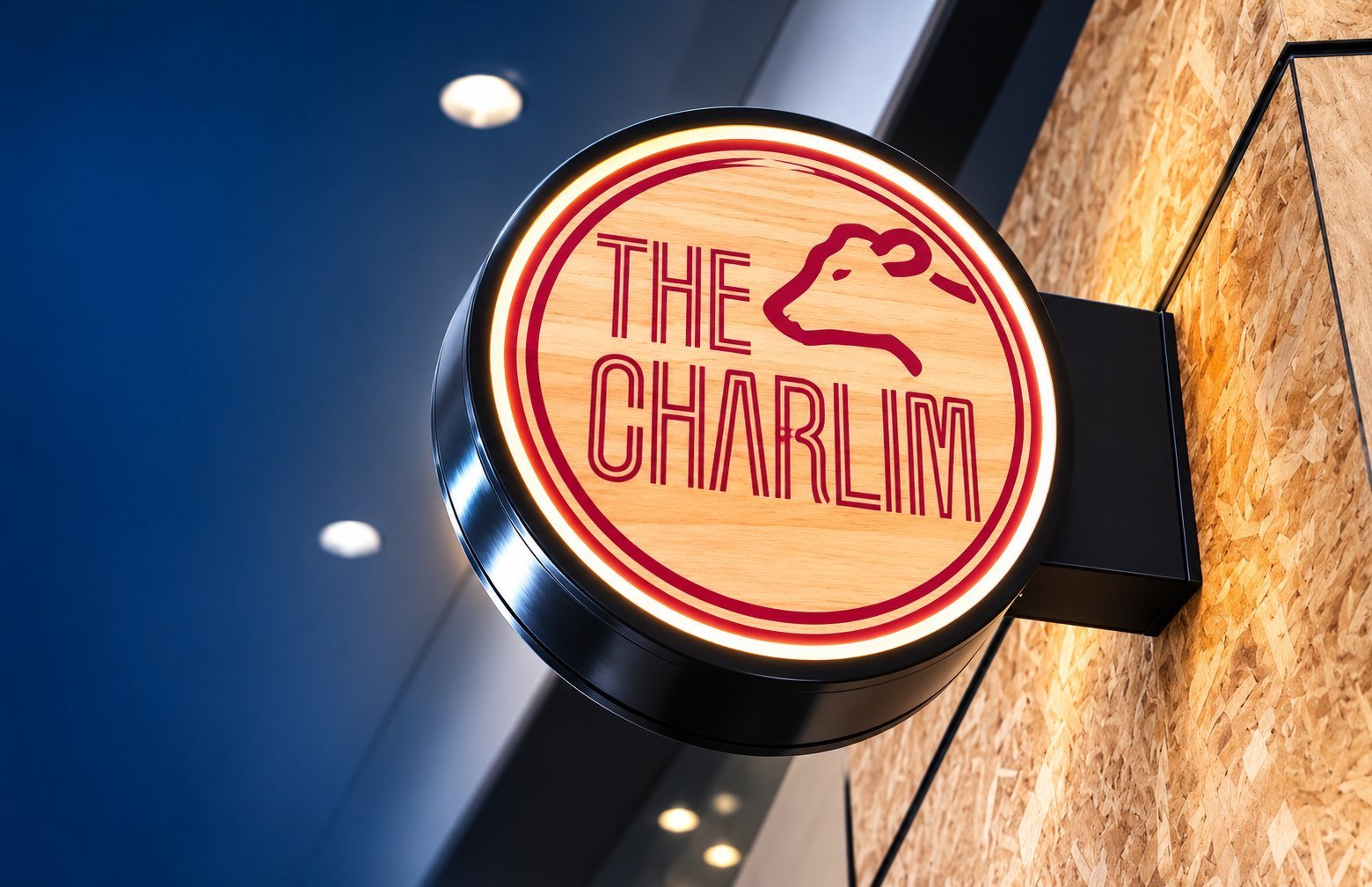
Round cabinet, flat on the wall: a disc or drum with one front face. Round projecting cabinet: a circular unit on a bracket at 90° to the wall, with one or two lit faces. Square cabinet with circular artwork: a round graphic, not a round lightbox.
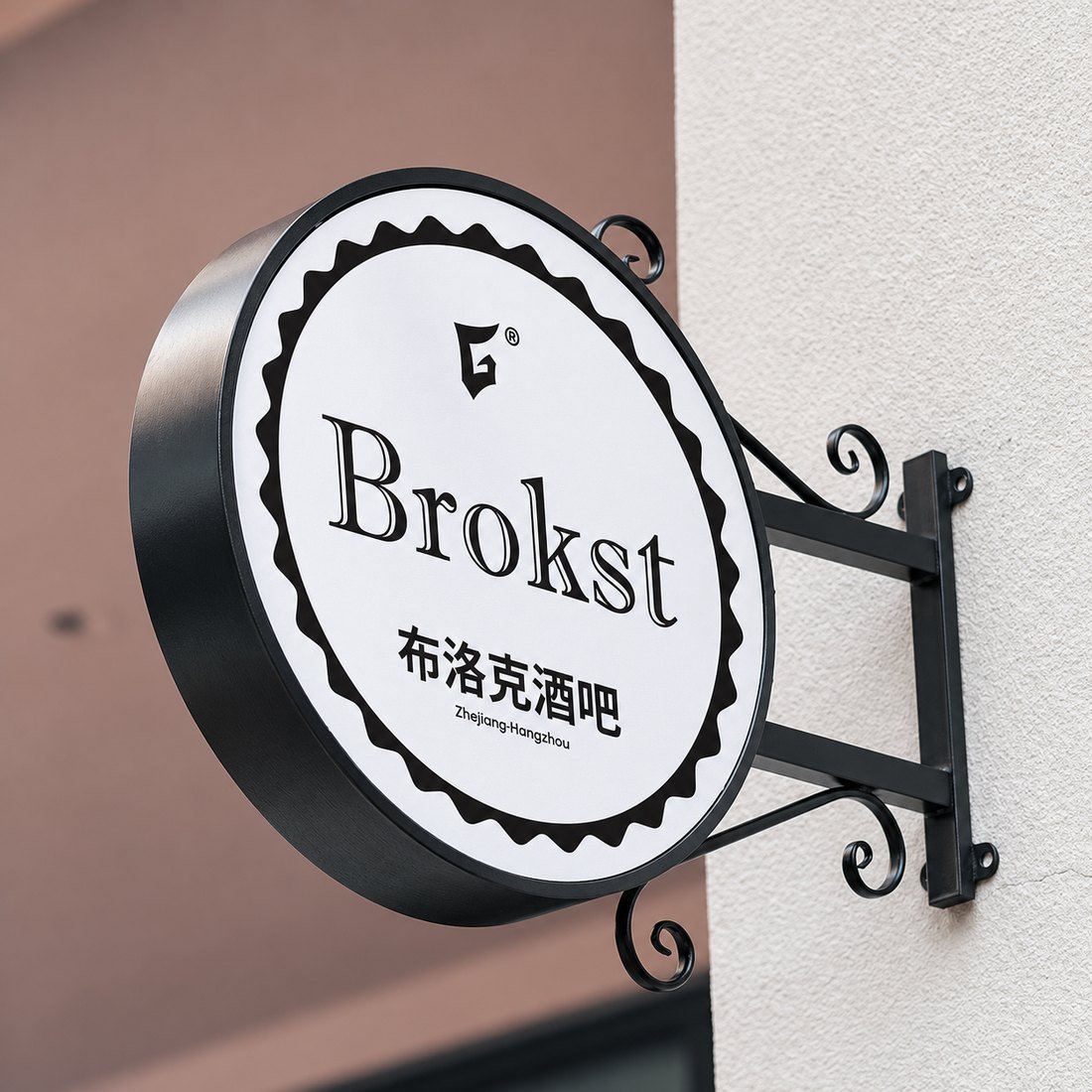
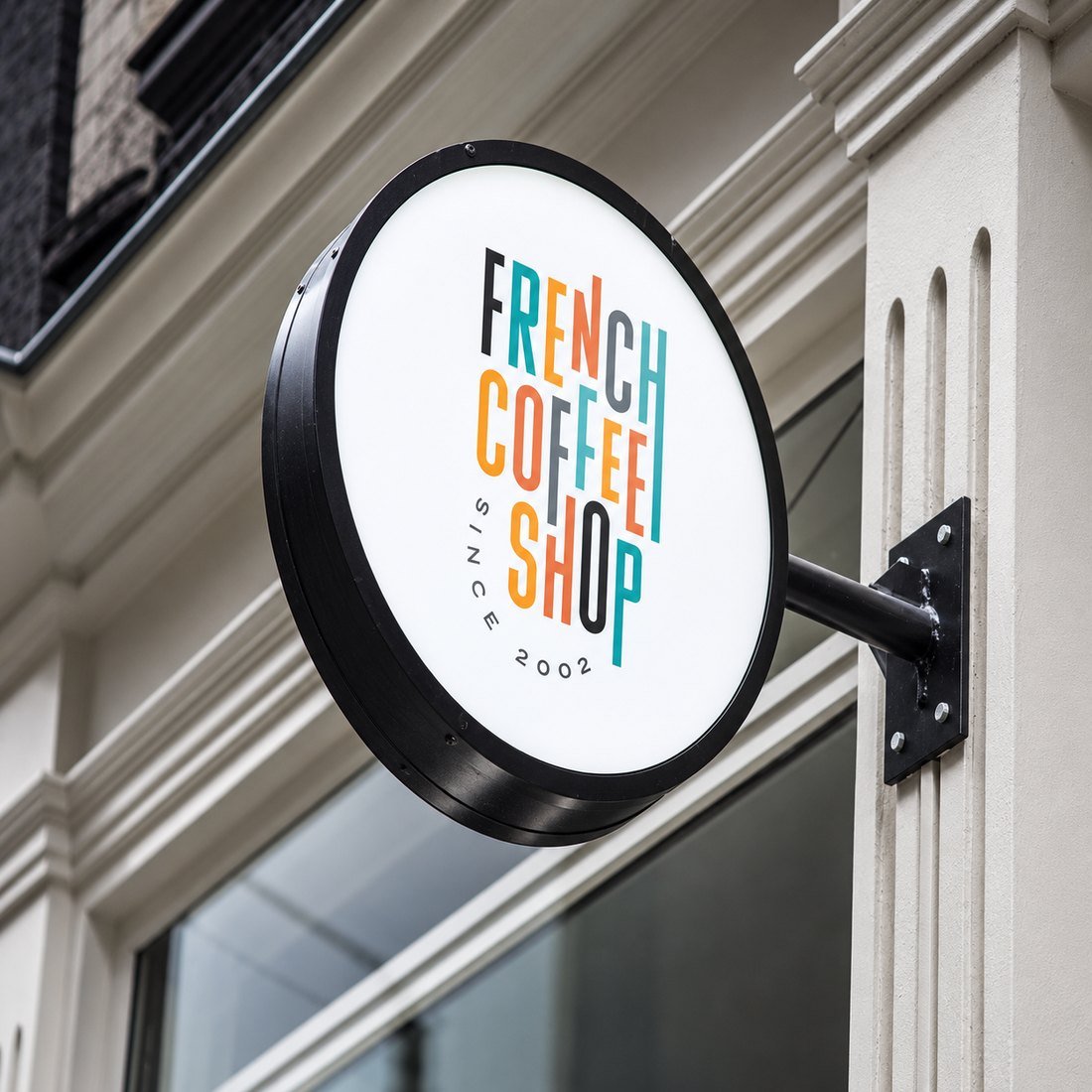
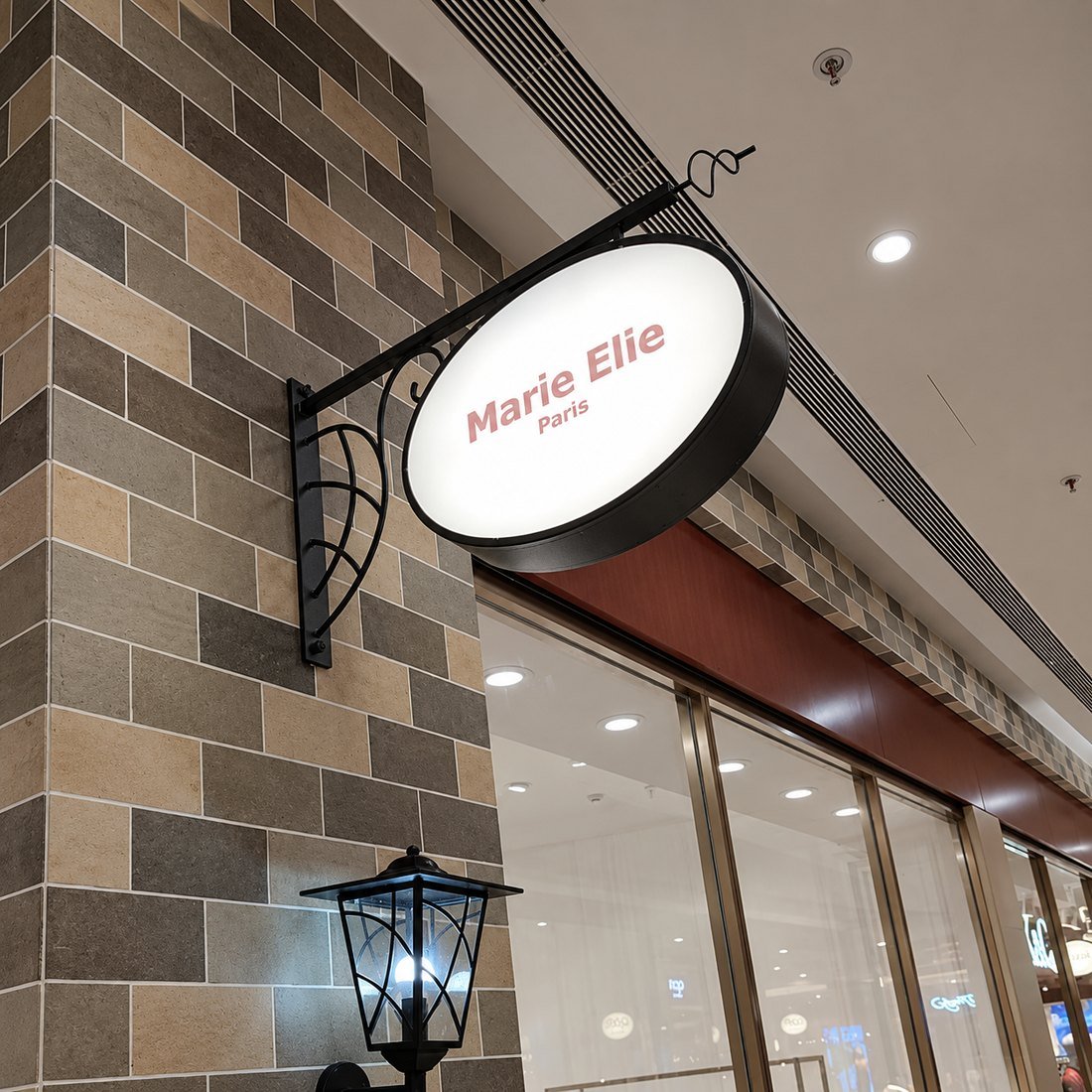
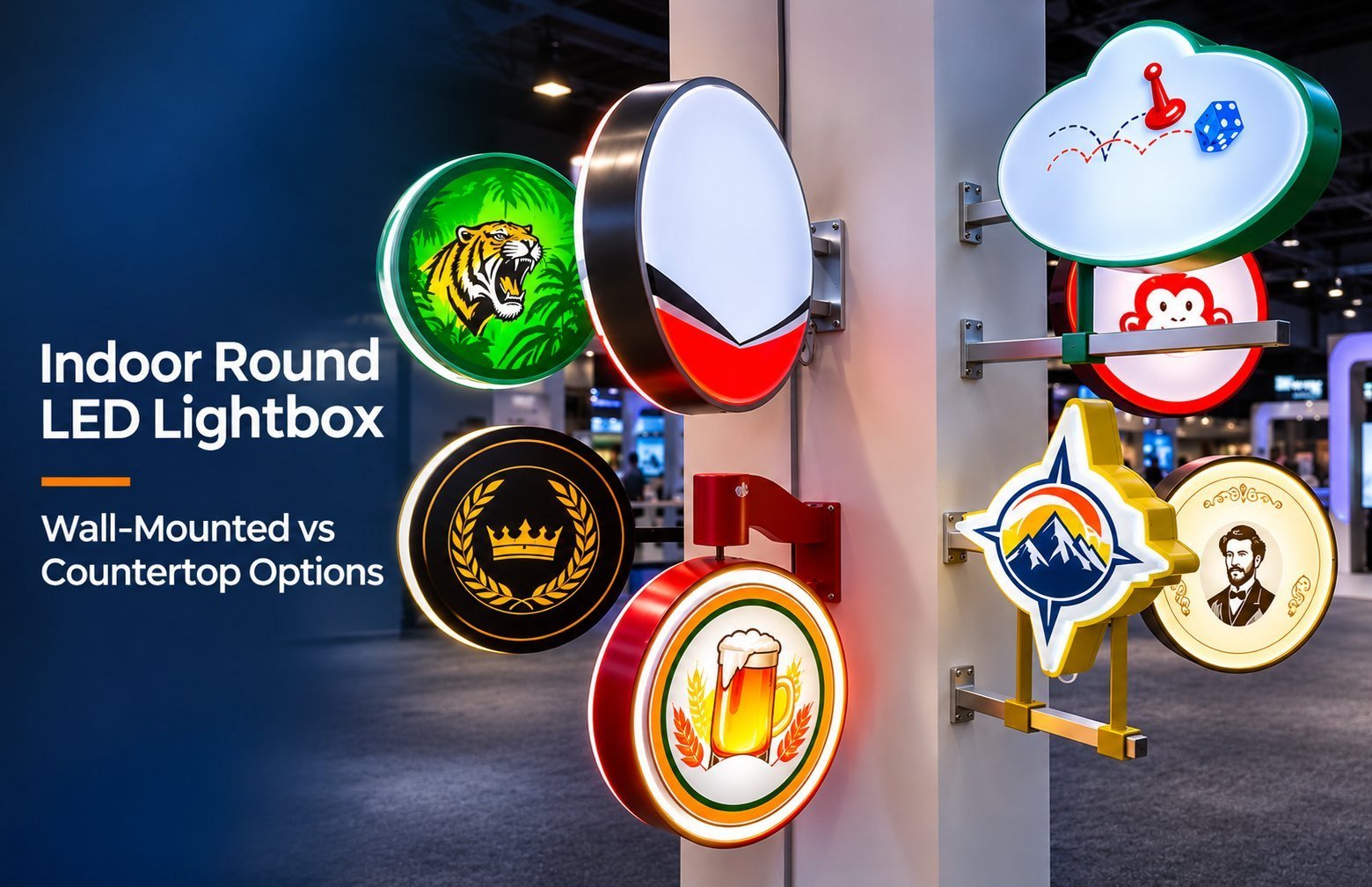
The examples above are round cabinets mounted out from the wall. Each one uses a bracket and presents a circular face to people walking along the frontage. A flat wall unit would sit tight to the building and read best from in front.
Only the first two builds above are true round lightboxes. If a supplier quotes a square cabinet with a circular print, ask for a photo of the frame before you compare prices.
Round Lightbox vs Rectangular Lightbox, Cabinet Sign and Blade Sign
These labels overlap. A blade or projecting sign is defined by how it mounts. A lightbox is defined by how it is lit. A round lightbox can be all three at once.
| Format | Construction | Usual mounting | Reads best for | Main trade-off |
|---|---|---|---|---|
| Round wall lightbox | Circular cabinet, one lit face | Flat on the wall | Logos, badges, short names | Limited room for longer text |
| Round projecting lightbox | Circular cabinet, one or two lit faces | Bracket at 90° to the wall | Foot traffic along a frontage | Bracket load and overhang approvals |
| Rectangular lightbox | Square or rectangular cabinet | Wall, hanging or pole | Wordmarks, menus, longer copy | Wider footprint for the same logo height |
| Non-lit blade sign | Flat panel, any shape | Bracket at 90° to the wall | Daytime street identity | Needs separate lighting at night |
For the wider family of formats, see HICEN’s outdoor business signs guide. It describes projecting blade signs as a separate category that needs bracket strength and wall-substrate checks.
When a Round Shape Helps, and When It Limits You
A circle suits a mark that is already circular or compact: badge logos, seals, monograms, icons or a one-word name. The shape frames the mark without empty corners, and the eye reads the outline before the detail.
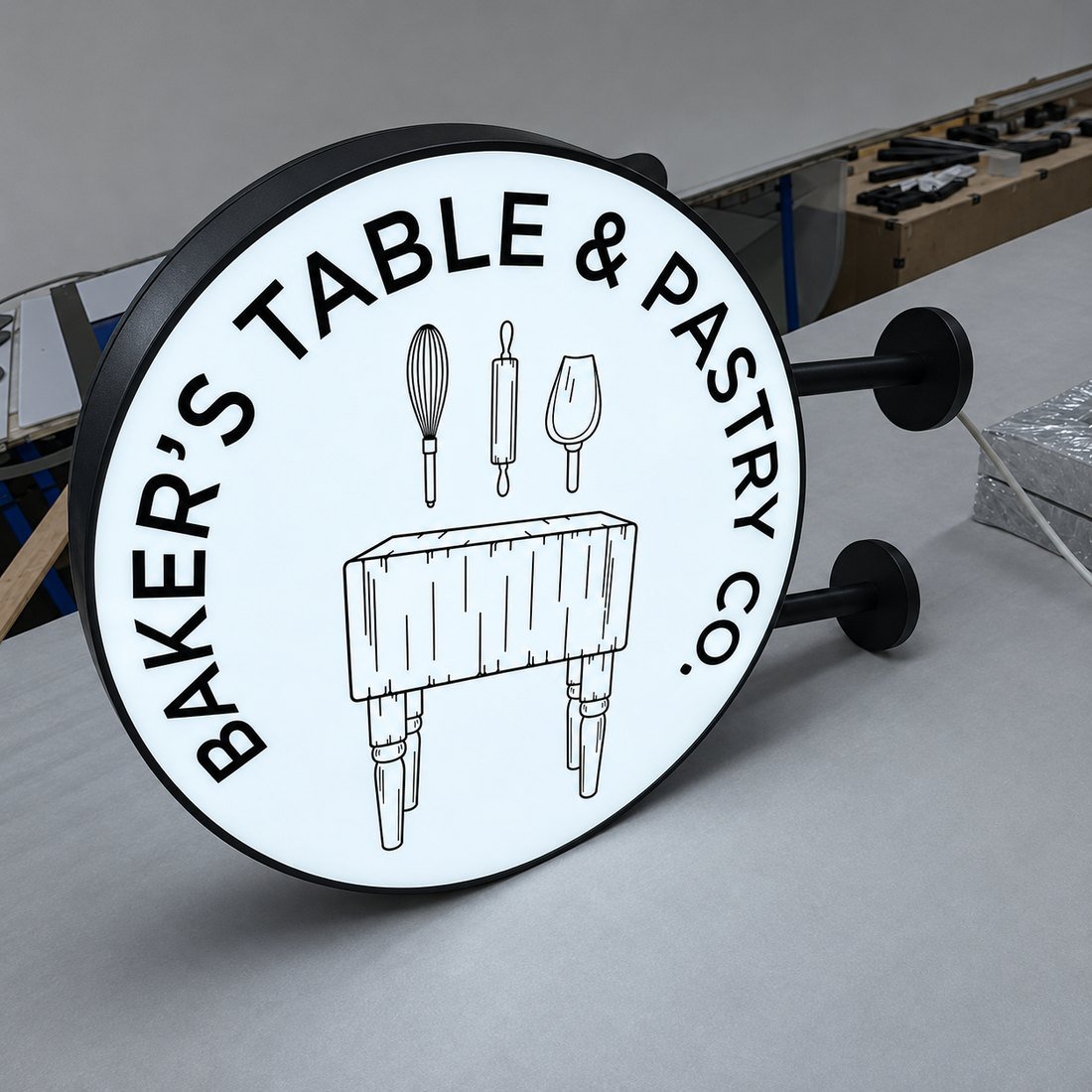
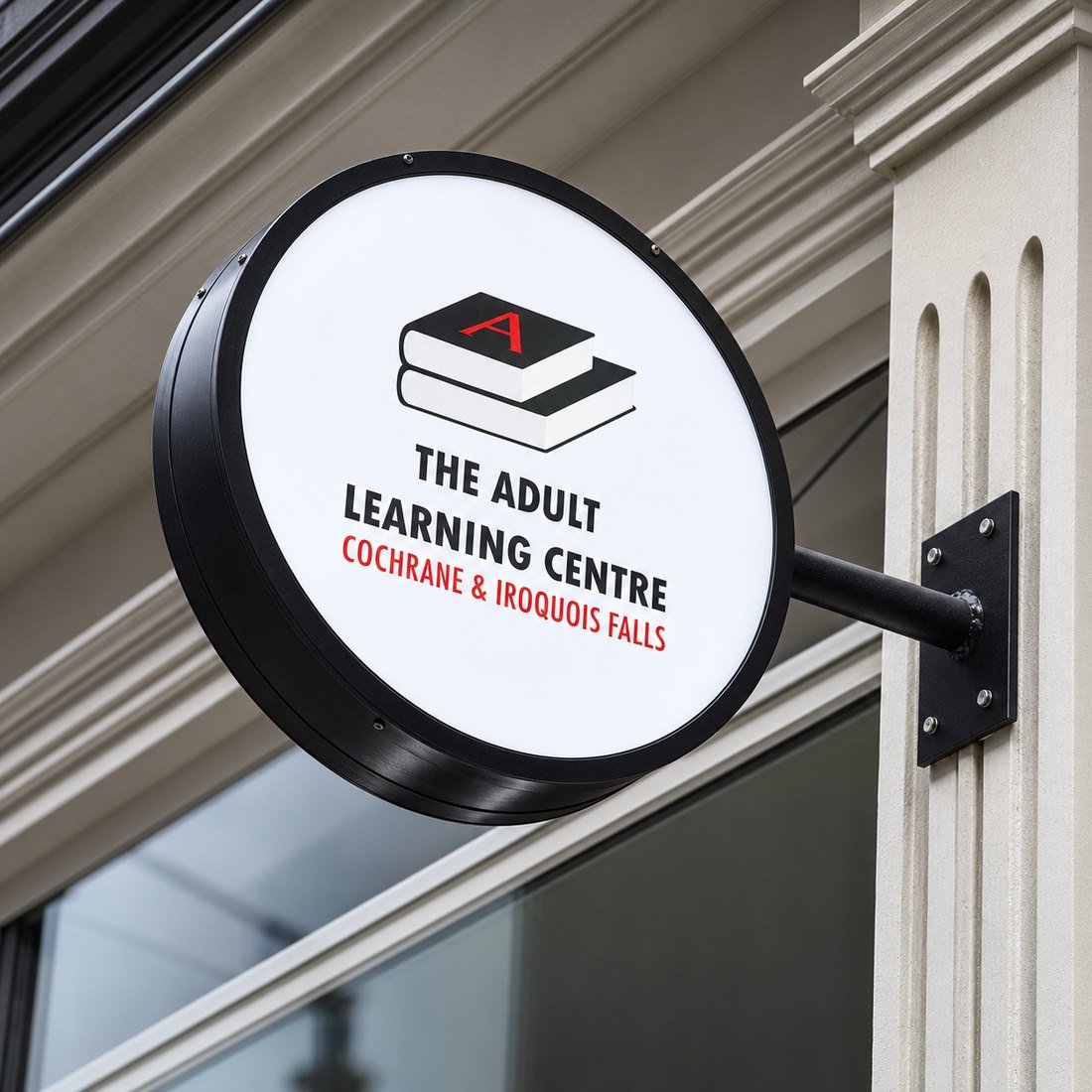
Long text is harder. Two-line slogans and phone numbers lose space toward the curved edge. Copy placed near the rim can look cramped even when the maths says it fits.
As a geometric illustration, a square inscribed in a circle covers about 64% of the circle’s area. Your real usable area depends on the logo shape, the margins and the frame. Place your artwork inside a circle at the planned diameter before you commit. If the wording has to shrink too far, a rectangular box will serve you better.
If you are choosing a diameter rather than a shape, HICEN’s round lightbox sizing guide walks through viewing distance, letter height and a full-scale wall check.
One-Sided Wall Mount vs Two-Sided Projecting
A one-sided wall unit faces people looking straight at the building. It suits facades read from across a street, lobby walls and mall corridors. A two-sided projecting unit faces people walking along the frontage, with one face for each direction of travel.
A two-sided sign adds a second face, a bracket and an overhang to plan for. Neither format is visible from every direction. Mounting height, orientation, lit faces, awnings, trees, neighbouring signs and street lighting all affect what people actually see.
Do not assume equal diameters on a wall face and a projecting face will read alike. Size each from its own viewing positions, then check both on the same site visit.
What HICEN Lists for Its Light Box Range
HICEN lists round as a standard light box shape. Its range includes single-sided and double-sided luminous boxes and multiple mounting positions. These options are listed separately across the range, so confirm the exact combination you want in the quote.
The custom LED light box page lists wall-mounted, suspended, freestanding and recessed installation options. Its structure table also names wall-mounted, hanging and awning configurations, and it notes that each unit ships with mounting hardware and installation drawings.
The outdoor business signs page describes projecting blade signs as a family that needs bracket strength testing and wall-substrate evaluation. A double-sided round projecting unit is a specific build: ask for it by name rather than relying on the word round.
Benefits of a Round Lightbox, With Honest Limits
Logo fit. A circular face gives a circular mark a natural frame with little wasted space.
After-dark presence. An illuminated face keeps the logo readable once daylight fades. Brightness, face material and ambient light still change the result.
Full-colour graphics. HICEN lists 1440 dpi UV printing for light box faces, so gradients, photos and multi-colour logos can be reproduced on a printed panel.
Changeable graphics. The range includes magnetic and snap-open frames for faster face swaps. Ask whether your round frame uses one of these systems before you order duplicate artwork.
Compact projection. A projecting circle can identify a shop without a large flat facade sign, but it still needs a bracket, clearance and the right fixings.
The limits matter just as much. A projecting unit adds bracket load and may need overhang approval. A flat face catches wind, so fixings must suit the site. Servicing LEDs or the driver usually means opening the cabinet. Custom curved frames may use different parts from stock rectangular profiles.
How Round Lightbox Installation Works
Installation depends on the sign, the wall and local rules. The order below is a general guide, not a substitute for your installer’s method or the approved drawing.
- Confirm the site: measure the wall, note its build-up and mark the power location.
- Check approvals: landlord criteria, sign rules and any overhang limits.
- Approve the drawing: diameter, depth, weight, bracket length and fixing points.
- Book the right people: installer, lift access and a qualified electrician where required.
- Inspect on delivery: sign, face, hardware and packing list for damage.
- Install to the drawing and local rules.
- Connect and test: the electrician makes the power connection and checks operation.
HICEN’s product pages say each unit ships with mounting hardware and installation drawings. Check the supplied hardware against your actual wall before installation day, not after the lift is booked.
Mounting Surface, Fixings and Clearance
Brick, EIFS, stucco, glass and metal each need different fixings. Share the wall build-up with the manufacturer so studs, a raceway or a backer panel can be proposed. Your installer or structural reviewer then confirms the wall can carry the load.
Take diameter, depth, bracket length and weight from the approved drawing. For projecting signs, check clearance above the walkway and the distance to awnings or neighbouring signs. Local rules set these limits, and they differ by city.
A high wall mounting may need a lift for every service visit. Plan safe access before you fix the height. If a lift is hard to arrange, move the driver to an accessible location or choose a lower position where the sign still reads.
Power, Servicing and Who Handles What
HICEN lists adapter voltage customization across its light box range: 12V, 24V, 110V and 220V. Confirm the site voltage before the power supply is specified. A qualified electrician should make any mains connection where local rules require one.
Ask how the face opens and where the driver sits. If a sign is high on a wall, every graphic change or driver replacement becomes a lift job. Build that cost into the decision.
HICEN’s storefront signs page separates factory work from local responsibilities. Read it before you assume the supplier handles approvals or installation.
| Task | HICEN | Your local team |
|---|---|---|
| Shop drawings, finish samples and batch inspection | Supplies | Reviews and approves |
| Approvals, permits and variances | Supplies drawings for review | Files and manages |
| Structural review of the wall | Not included | Yes |
| Site measurement, lift and installation | Not included | Yes |
| Final mains wiring, conduit and connection | Not included | Licensed electrician |
Submit drawings into the approval review early. Late changes after approval often mean redrawing the sign and restarting the queue.
Round Lightbox Buying Checklist
Two quotes for a round lightbox can describe very different products. Use this list before you approve a drawing.
- Build type: round cabinet, or round artwork in a square cabinet
- Lit faces: one or two, with matching artwork for each
- Diameter, cabinet depth and weight on the drawing
- Bracket type and projection distance for projecting units
- Face material and thickness: acrylic, fabric or flex
- Lighting layout: edge-lit or backlit, and the light colour
- Frame material, finish and coating
- Input voltage, driver location and controls
- Indoor, covered, exposed or coastal site conditions
- How the face opens for service
- Approval drawings, packaging and delivery terms
For exposed or coastal sites, ask about sealing and the rating for the exact round unit. A general range rating does not automatically cover every custom build.
Preparing Artwork for a Circular Face
Send vector files for production. HICEN’s artwork and logo file guide asks for AI, EPS, PDF or SVG with fonts outlined. A high-resolution PNG or JPG is a starting point; simple logos can sometimes be traced.
A circular face adds a few checks of its own: keep text and fine detail clear of the curved edge, check the logo at full size, decide whether both faces of a projecting sign carry identical artwork, and confirm colours against a physical sample rather than a screen swatch.
HICEN’s design process includes a free rendering; its drawing and quality-control checks cover sizes, fonts and spacing. Review the full-scale drawing carefully before you approve production, because that is the last easy moment to change the layout.
Frequently Asked Questions
Is every round lightbox double-sided?
No. HICEN lists single-sided and double-sided luminous boxes. Wall-mounted units usually have one lit face. Projecting units can have two, one for each direction of travel.
Is a round lightbox the same as a blade sign?
Not quite. Round describes the shape; blade or projecting describes the mounting. A round lightbox becomes a projecting or blade sign when it is fixed at 90 degrees to the wall.
Do I need an electrician to install one?
Usually where the sign connects to building power. Local rules decide who may make the connection. Plug-in units may differ, so confirm the exact product and local requirements.
Can I order a single round lightbox from HICEN?
Yes. HICEN’s light box pages say custom orders start from one piece; the advertising light box page uses one piece as its minimum order.
How do I pick the right diameter?
Start with viewing distance, mounting height and logo layout. Then check the size against landlord and local limits. A full-size paper proof on the wall is the best final check.
What is the difference between edge-lit and backlit?
Edge-lit LEDs sit at the frame and feed light into the panel, so the cabinet can be slim. Backlit LEDs sit behind the face. HICEN’s page says edge-lit suits a thin box and backlit a big one.
Plan Your Round Lightbox With HICEN
Send Your Logo, Wall Photo and Site Details
Have a circular logo or a projecting sign position in mind? Send HICEN your logo file, a photo of the wall, your preferred diameter, the number of lit faces and the site voltage. The custom LED light box page says a mockup and quote arrive within 24 hours.